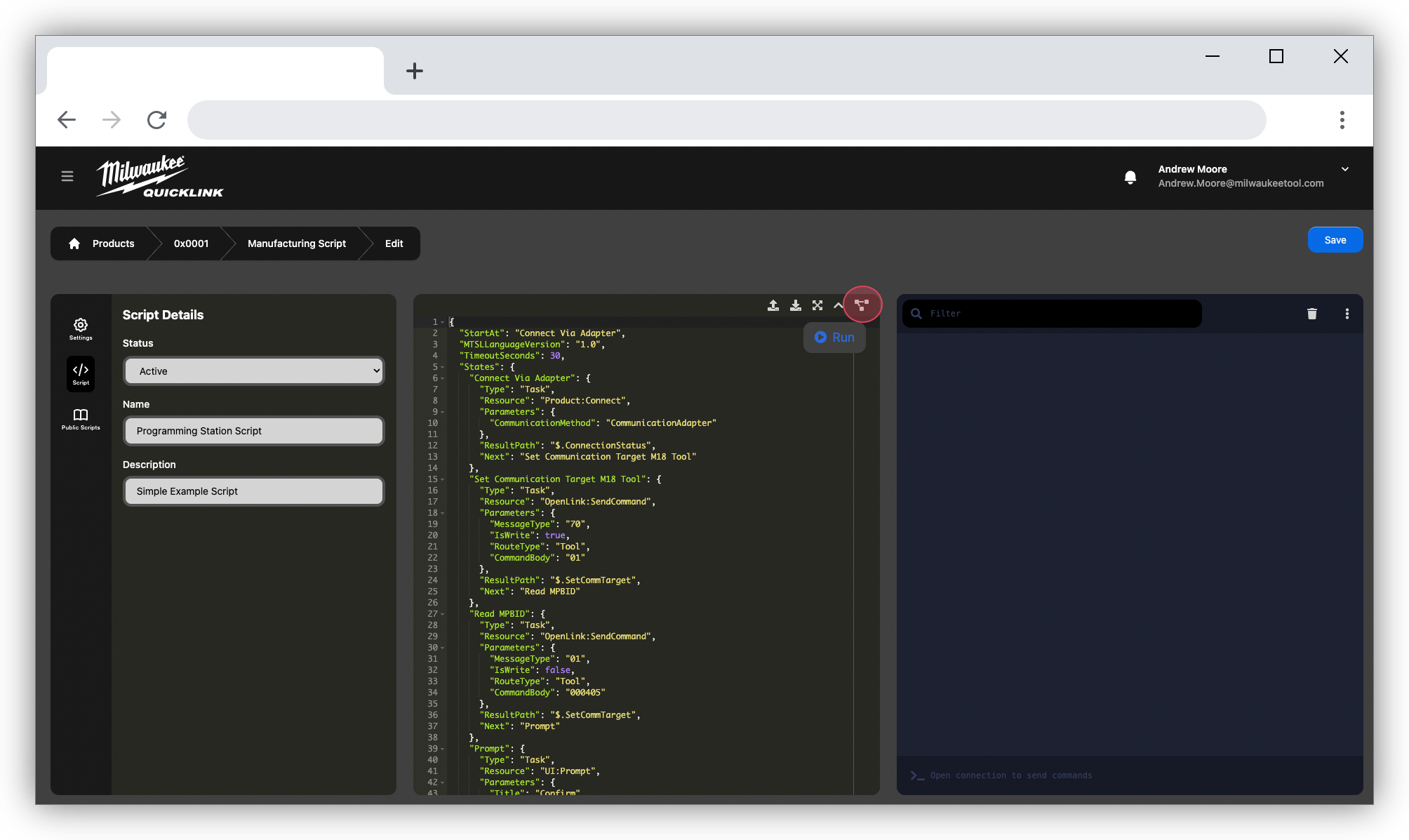
How can they be changed?
Manufacturing scripts are managed in QuickLink Web by navigating to the "Product Info"
1. Navigate to https://quicklink.milwaukeetool.com
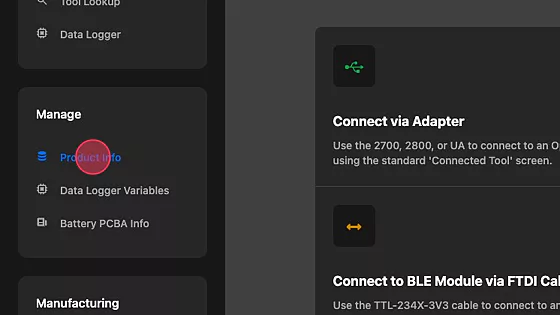
2. Open the side menu

3. Click "Product Info"
4. Select your product

5. Click "View" Manufacturing Script

6. Select the Script

6. View, Edit, Run Script
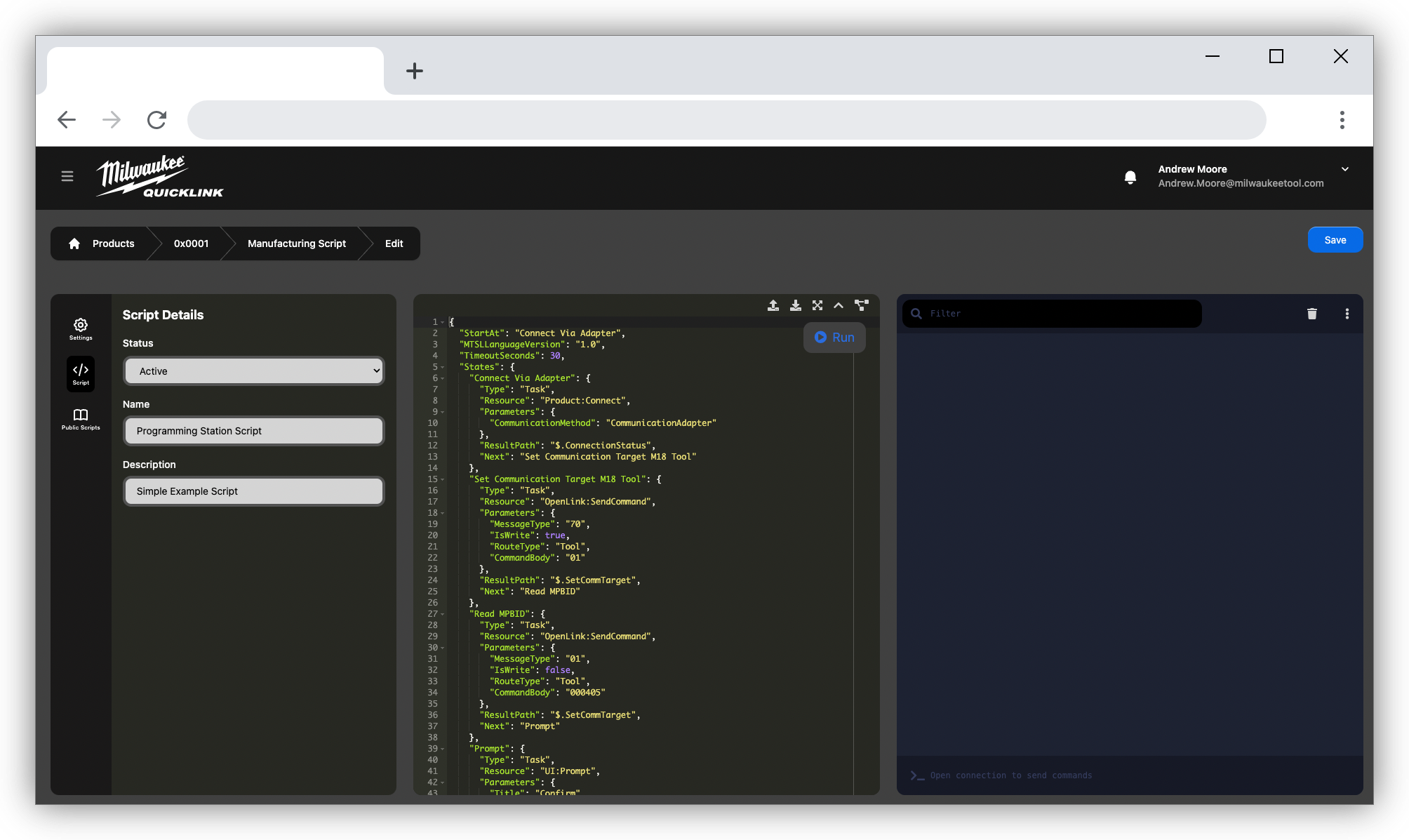
7. Click here to generate a flow chart